Canny integrations people actually search for
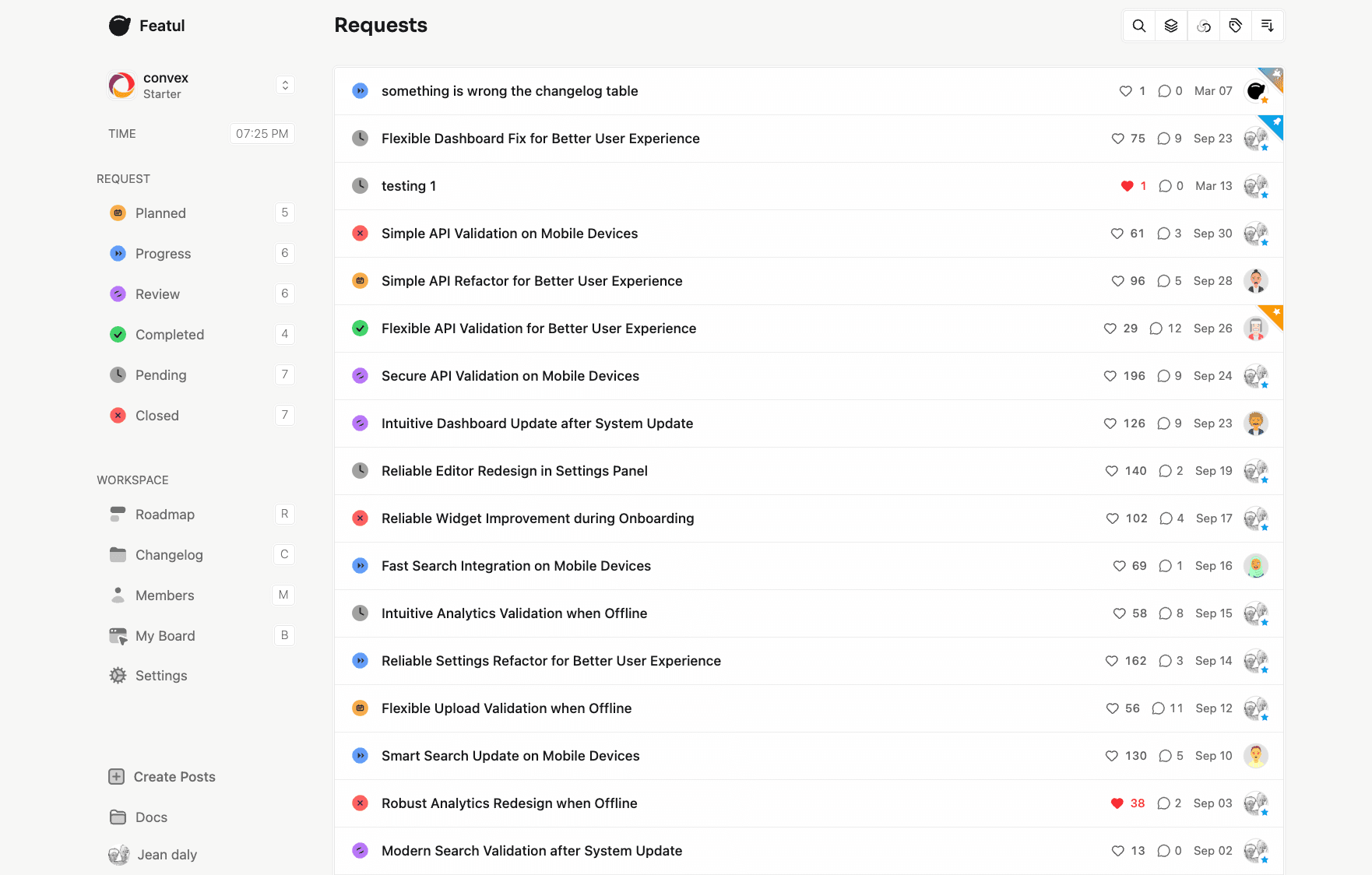
The query “Canny integrations” is usually Slack, Jira or Linear, Intercom, and an API. Featul does not clone Canny’s full marketplace. It covers the daily path: import the Canny board, ping Slack, expose webhooks and API, then keep roadmap and changelog in the same EU-hosted workspace. If your Canny workspace is held together by ten native apps, list those automations before you switch. If you mainly need notifications and a public board, import plus Slack is the replacement.