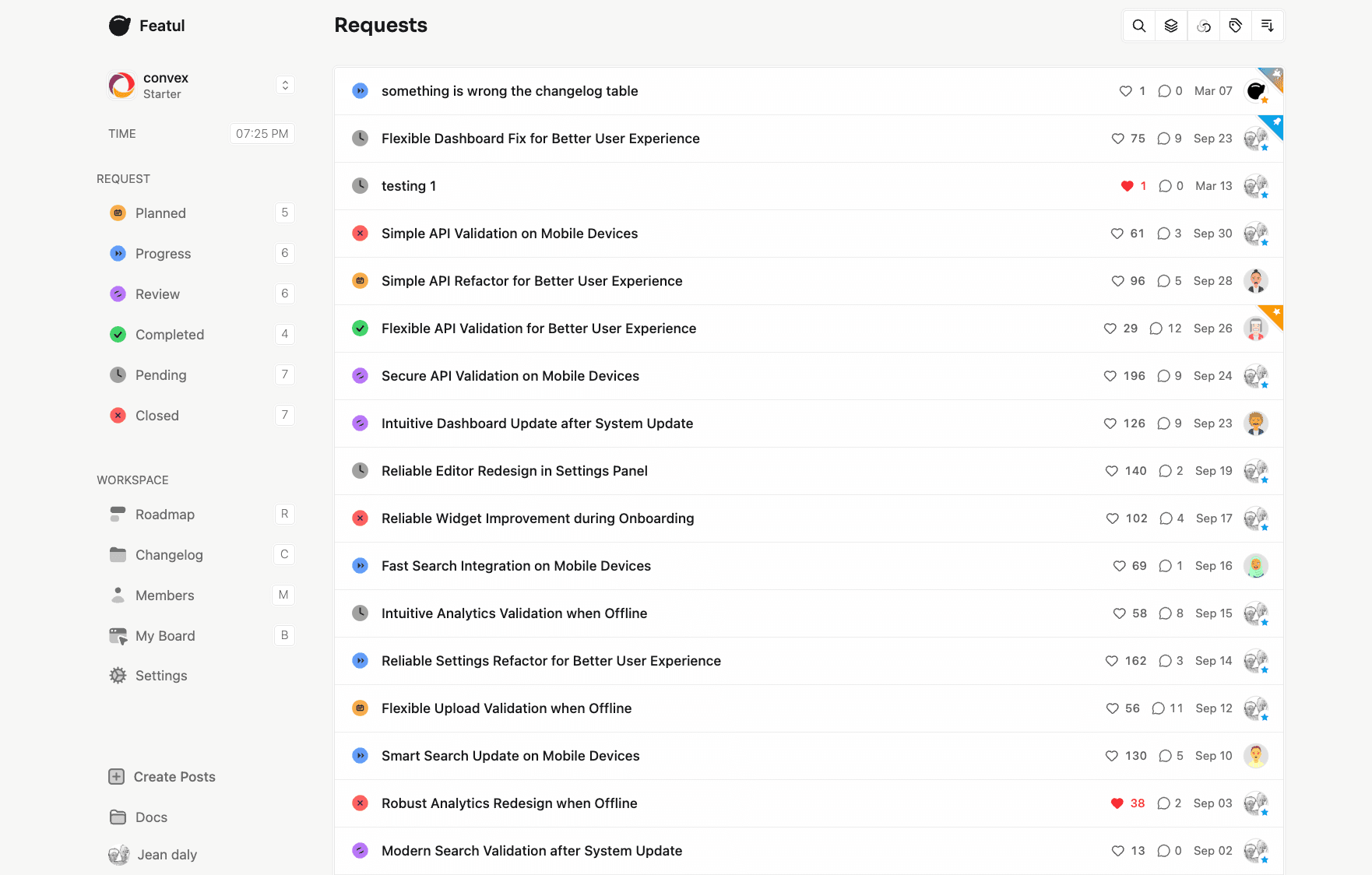
Why connect ProductBoard
What your team gets when Featul and ProductBoard work together.
Transfer ProductBoard data into a single feedback hub
Keep teams aligned with transparent roadmap updates
Speed up onboarding after migration
How to connect
A short setup path from Featul into ProductBoard.
- Connect your ProductBoard account to Featul in Settings > Integrations
- Configure notification preferences and sync settings
- Start receiving feedback updates and managing requests seamlessly
ProductBoard Integration for Product Feedback
Connect ProductBoard and keep feedback moving.
Set up in minutes. Triage where your team already works.
FAQs about ProductBoard
Common setup and usage questions.